12 Backgrounds for Covers V2: Streamlining Visual Workflow for Professionals and Creators
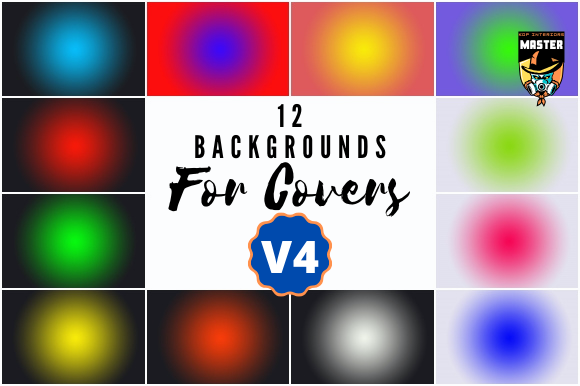
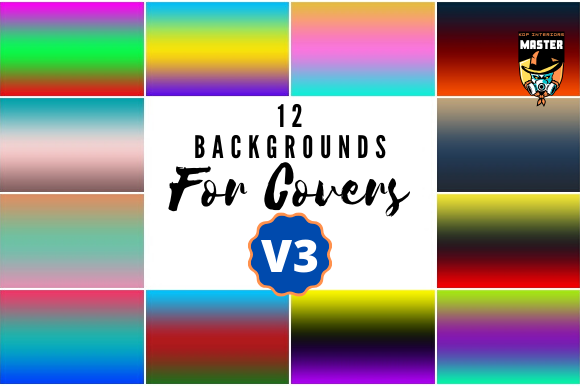
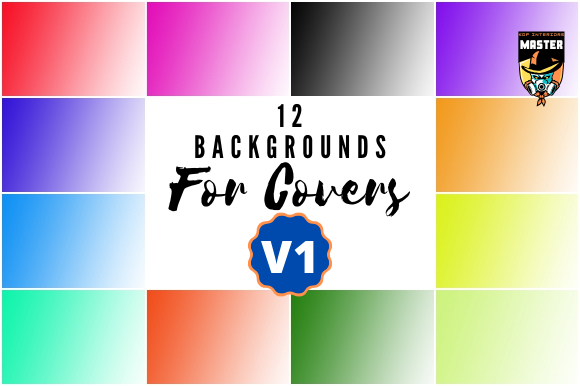
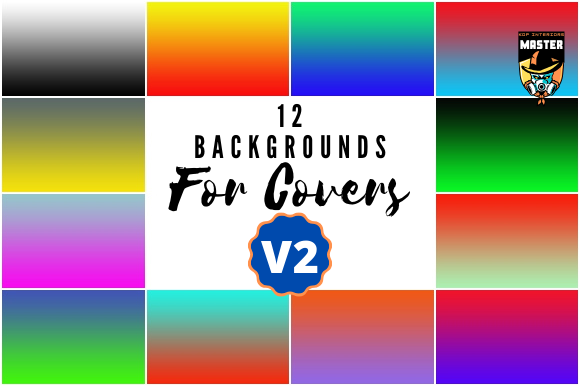
12 Backgrounds for Covers V2 is a curated set of high-quality visual assets designed to simplify and enhance the creation of digital covers, banners, and promotional materials. Each background is delivered as a JPEG file with pixel dimensions of 1920×1080, print dimensions of 6.4″x3.6″, and prepared in RGB color mode at 300 DPI resolution. This combination ensures compatibility across digital platforms while maintaining print-ready quality for physical applications.
For professionals, creators, and entrepreneurs, visual consistency and efficiency are critical components of a streamlined workflow. Whether designing social media posts, eBook covers, marketing assets, or presentation slides, having a reliable set of backgrounds reduces the time spent sourcing or creating visuals from scratch. 12 Backgrounds for Covers V2 fits directly into this need by offering ready-to-use visuals that maintain aesthetic appeal without compromising on technical standards.
Integration Into Creative and Business Workflows
Visual assets like 12 Backgrounds for Covers V2 are most effective when integrated into existing processes with minimal friction. Here’s how they can be used at different stages of a project or task:
- Before a project begins – These backgrounds can be pre-selected and organized as part of a brand’s visual toolkit. This ensures that when a new design task arises, the appropriate visuals are already available, reducing decision fatigue and setup time.
- Durings design or content creation – The high-resolution JPEG format allows for seamless use in platforms like Canva, Adobe Photoshop, Illustrator, or Figma. Designers can overlay text, logos, or illustrations without worrying about pixelation or compatibility issues.
- After content delivery – Since the files are print-ready, they can also be repurposed for physical materials such as business cards, flyers, or posters, maintaining a unified brand presence across both digital and print channels.
Compatibility and Workflow Synergy
One of the key strengths of 12 Backgrounds for Covers V2 is its compatibility with a wide range of tools and platforms. The standardization of file format (JPEG), resolution (300 DPI), and dimensions (1920×1080) ensures that these backgrounds can be used in both beginner-friendly and professional-grade software. This makes them suitable for:
- Content creators using platforms like Canva or Adobe Express for quick social media graphics
- Graphic designers working in Photoshop or Illustrator for more complex compositions
- Marketers building campaigns in tools like Mailchimp or HubSpot that accept high-quality images
- Educators and presenters embedding visuals into PowerPoint or Google Slides
Additionally, these backgrounds can be stored in cloud-based asset management systems such as Dropbox, Google Drive, or Adobe Creative Cloud Libraries, allowing for easy retrieval and sharing across teams or projects.
Practical Implementation Tips
For best results, consider the following implementation strategies when incorporating 12 Backgrounds for Covers V2 into your workflow:
- Organize by theme or use case – Categorize the backgrounds based on intended use (e.g., tech, nature, abstract, minimalist) to speed up selection during design tasks.
- Layer with transparency or overlays – To maintain readability when adding text or icons, consider applying a semi-transparent color overlay or using the background as a subtle backdrop rather than a dominant visual.
- Use in templates – Save time by embedding these backgrounds into reusable templates for social media posts, newsletters, or slide decks. This ensures consistency across multiple deliverables.
- Resize with care – While the 1920×1080 pixel dimension is standard for most digital platforms, always check the target platform’s recommended image sizes before finalizing. Use non-destructive editing techniques to preserve quality if cropping or scaling is necessary.
Quality Control and Long-Term Use
Maintaining visual consistency over time is essential for branding and professional output. The 300 DPI resolution and RGB color mode ensure that these backgrounds remain crisp and color-accurate across different displays and print outputs. However, to preserve quality over time:
- Store original files in a centralized, labeled folder
- Use version control if modifying backgrounds for specific projects
- Periodically review and refresh the background library to align with evolving brand aesthetics
For teams or businesses that rely on consistent visual branding, incorporating these backgrounds into a shared asset management system ensures everyone uses the same approved visuals, reducing inconsistencies and rework.
Enhancing Efficiency Across Industries
Whether you're a blogger creating weekly thumbnails, a small business owner launching a digital campaign, or an educator designing course materials, 12 Backgrounds for Covers V2 supports a more efficient and polished outcome. Here are a few real-world examples:
- Freelance designers – Reduce client turnaround time by using pre-vetted backgrounds that match a variety of themes and industries.
- Online course creators – Use the backgrounds for course landing pages, promotional banners, and video thumbnails to maintain a cohesive visual identity.
- Marketing teams – Align campaign visuals across email, web, and social platforms using a consistent set of background images that reflect brand messaging.
- Small business owners – Quickly create professional-looking social media posts or print flyers without the need for advanced design skills.
Conclusion
12 Backgrounds for Covers V2 is more than just a collection of images; it’s a practical tool that integrates into a broader visual workflow. By offering high-resolution, print-ready, and platform-compatible files, it empowers professionals and creators to work faster and more consistently. Whether used as a foundation for digital marketing, content creation, or brand development, these backgrounds support a streamlined, quality-driven approach to visual communication.